
Pro · MCP connection
CNC calculator via MCP in your AI application
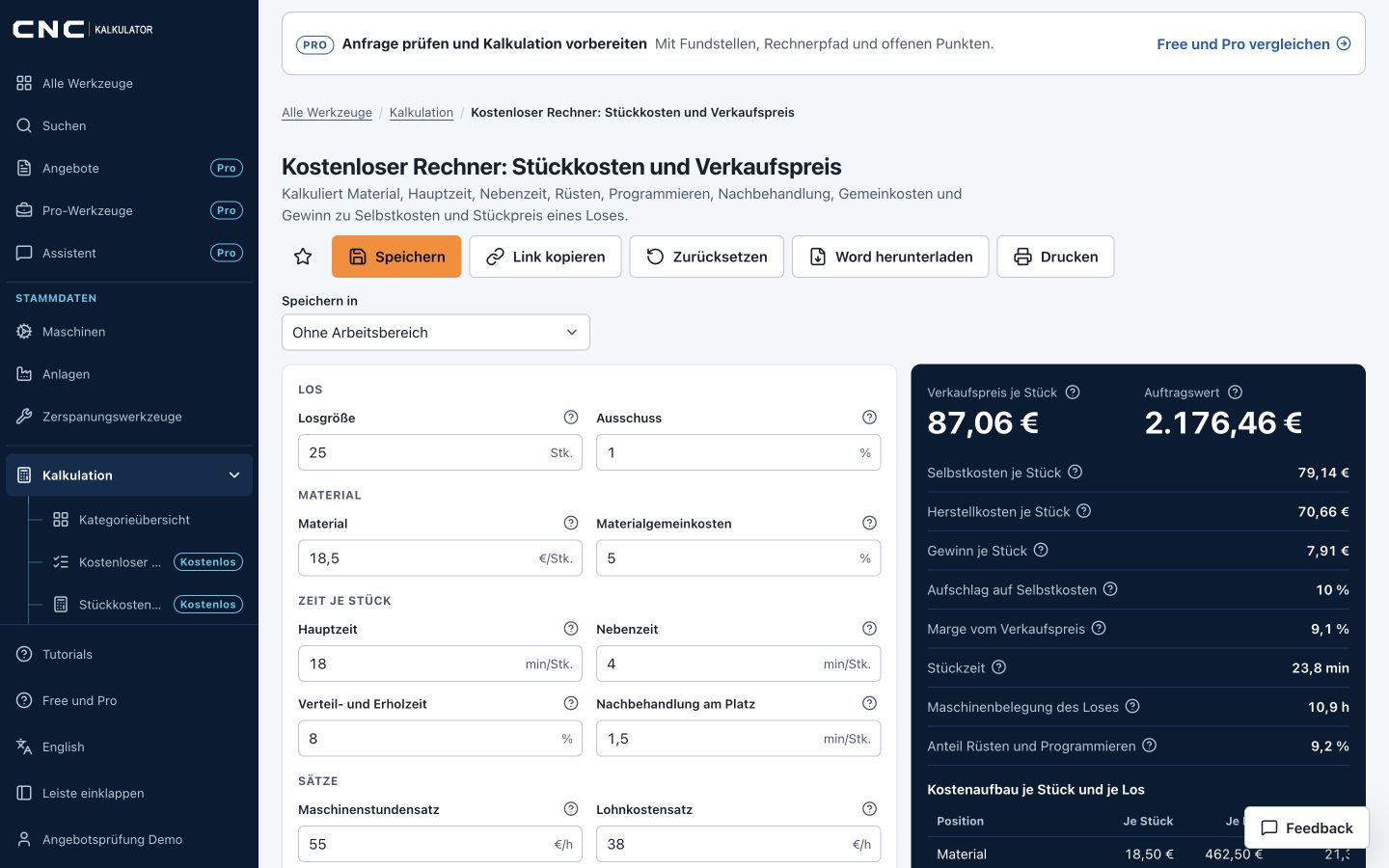
With Pro you use the same CNC calculators from a compatible AI application. The assistant finds the right tool, asks for missing information and receives calculated results with units, sources and notes. In the web application every calculator stays free.
Set up the Pro connection
Add this address as a remote MCP server in a compatible client and sign in with your Pro account. The feature name and availability depend on your client.
https://app.cnckalkulator.de/mcp/pro
Transport: Streamable HTTP with sign-in through your account (OAuth); you do not need to copy a key. Without sign-in the address /mcp runs no calculations and only points to Pro.
Set up the connection with your account Compare Free and Pro
MCP is part of Pro
Individual calculators, material search, rule-based quote guidance and calculation scenarios are available in your AI application through the signed-in Pro connection. You provide the inputs; the server calculates the results. In the web application itself the calculators stay free.
Skills and prompts for drawing and quote
The included skills describe a traceable process: review documents, divide the drawing into image regions, document features, ask for missing parameters, plan manufacturing and check the quote.
- Separate observed values, confirmed data and assumptions.
- Ask specifically for missing dimensions and shop prices.
- Record tool calls, inputs, units and results together.
Compare scenarios traceably
Quantities, variants, cost changes and price negotiations can be calculated with complete inputs. The AI client asks the questions; calculation rules and totals stay in the shared costing tools.
Signed in and revocable
Your AI application signs in through your account without you copying a key. Under Account › Integrations you see every connection and can disconnect it. A calculation never starts a paid image analysis.
Frequently asked questions
Do I need Pro for calculation via MCP?
Yes. MCP access to the calculators, material search and calculation guidance is part of Pro and runs through sign-in with your account. Without sign-in the address /mcp runs no calculations. The calculators of the web application stay free.
Does MCP work in every AI application?
That depends on the connection features of your application and your account there. The connection page names the address and the steps. No particular availability is promised.
Can the assistant invent prices or approve quotes?
The guidance requires confirmed inputs and verifiable results. Missing information must be clarified. Technical or commercial approvals and sending are not granted by a calculation call.