CNC Calculator

CAD and drawing analysis

Inspect technical files immediately with deterministic rules, or use AI to turn drawings into an evidence-backed costing draft for review.

Two separate analysis paths

File calculators return reproducible measurements and structure. AI reads meaning, identifies missing details, and links confirmed findings to the same calculators.

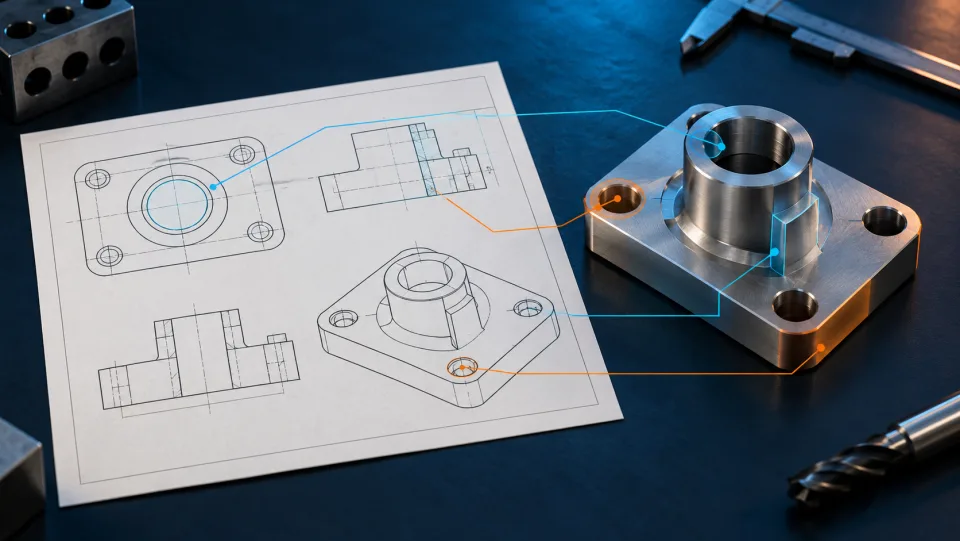
AI-generated product illustration of a technical drawing, a metal part, and a CAD surface.
AI-generated product image, not an analysis result
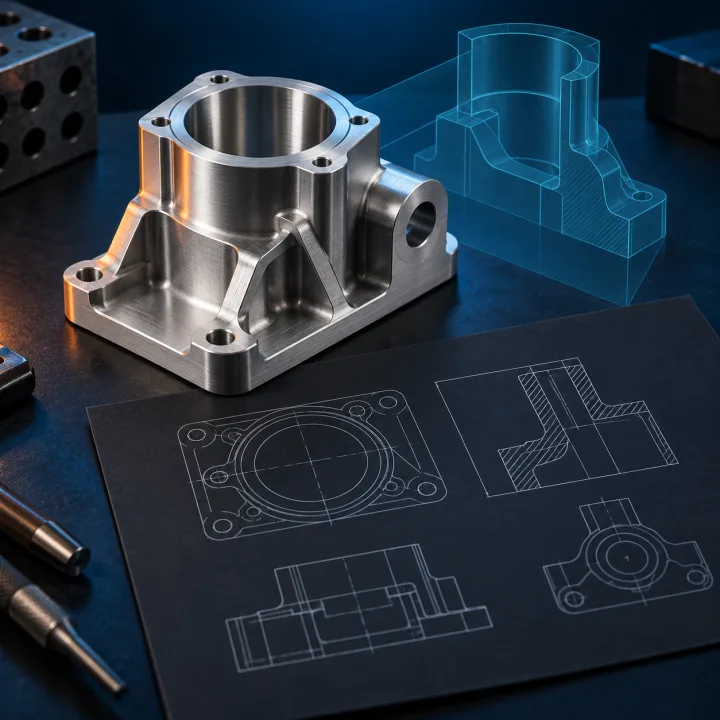
AI-generated product illustration of a technical drawing beside its matching metal part.
AI-generated product image, not an analysis result
Pro · AI

Review the complete drawing

AI reads PDF or image drawings, links dimensions, tolerances, material, and notes to their evidence, and keeps conflicts and missing details open.

Dimensions, material, tolerances and notes from the drawing Evidence, uncertainty, and conflicts Suitable CNC calculators with confirmed inputs Professional review before acceptance

AI does not create an autonomous price. Only reviewed values enter deterministic costing and can then be saved.

Start AI analysis

One shared, reviewable result path

Neither path ends with a black-box number. Sources, assumptions, and limits remain visible through costing.

  1. Original source and real file preview
  2. Measurements and findings with provenance
  3. Operations, open details, and assumptions
  4. Time, cost, and quantity graphics from calculated values
Pro

Available with Pro

The AI collects readable dimensions and manufacturing details, identifies their source, separates assumptions from findings, and keeps missing values open. It produces a price only after you review the draft.

A new account starts on the free plan. AI quote creation requires a separately enabled Pro subscription.
Free and Pro

Free or Pro

Free calculators remain openly available. Pro adds the connected request and quote workflow.

Free

€0 · permanently
  • 134 CNC calculators without signing in
  • Classic calculation in full depth, with a measured STEP model
  • Own rates and machines in the master data
Go to the tools

Pro Pro

On request
  • Have the drawing read, settle questions with the assistant, create report and quote
  • Compare quantities, variants, and cost changes
  • Use multi-line quotes, approvals, and the connection to your AI application
Request Pro
Pro is activated on request. Get in touch if you want drawings read and reports and quotes created. See every difference

Continue with free tools

These tools remain available without signing in. Their values and results are not automatically combined into a quote.

All features Free quotation assistant AI quote MCP Legal notice Privacy L&I IT-solutions GmbH & Co. KG in cooperation with D'Este Solutions and Bley IT

Carlo D'Este, D'Este Solutions

Help and contact

We are happy to answer your questions about the CNC Kalkulator in person.

Carlo D'Este, D'Este Solutions

Welcome to the CNC Kalkulator

Do you have questions about costing or getting started? Every question is welcome.

Questions? Give us a call!